mobby · 操作手机
让 AI 替你操作手机
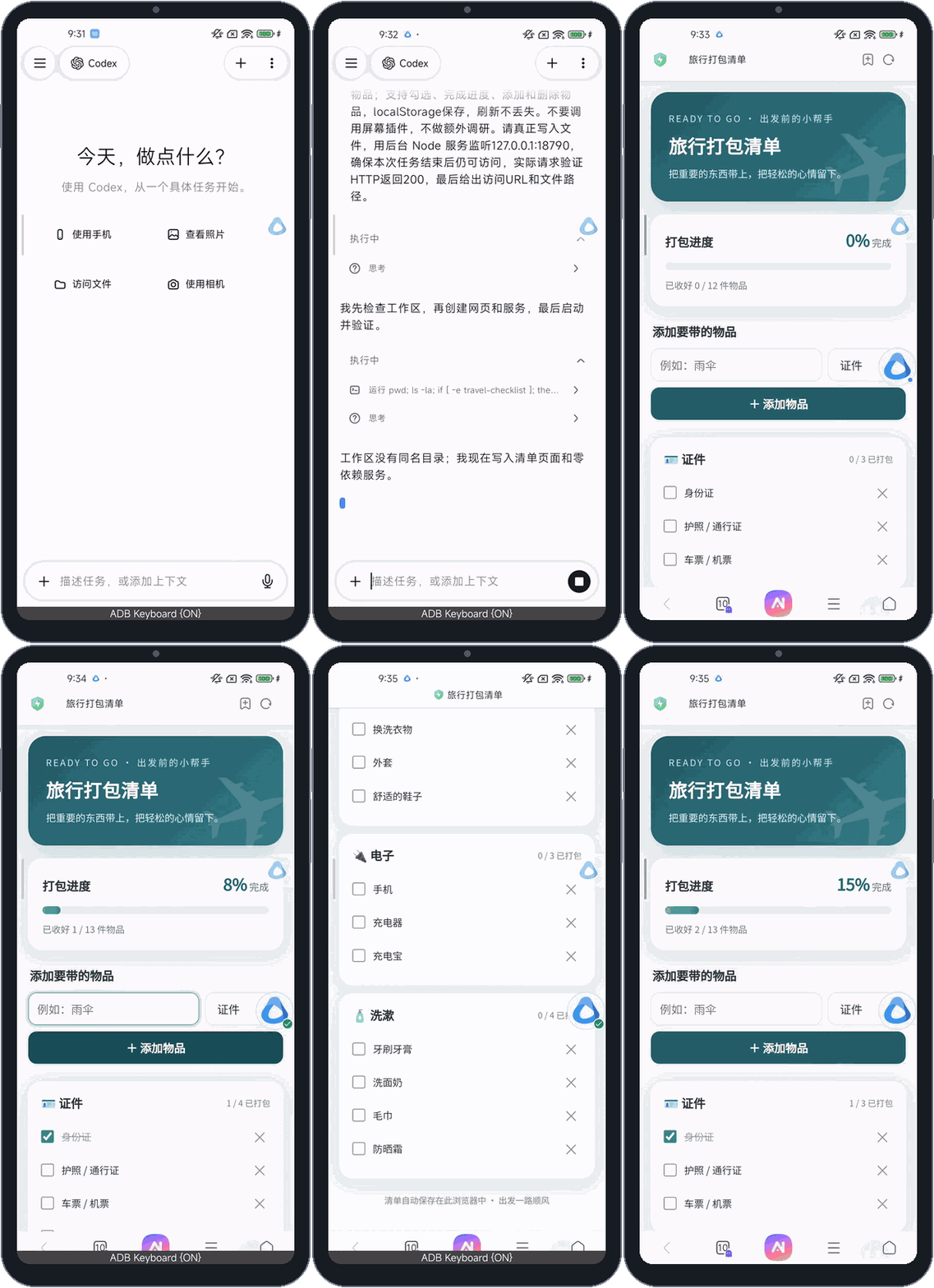
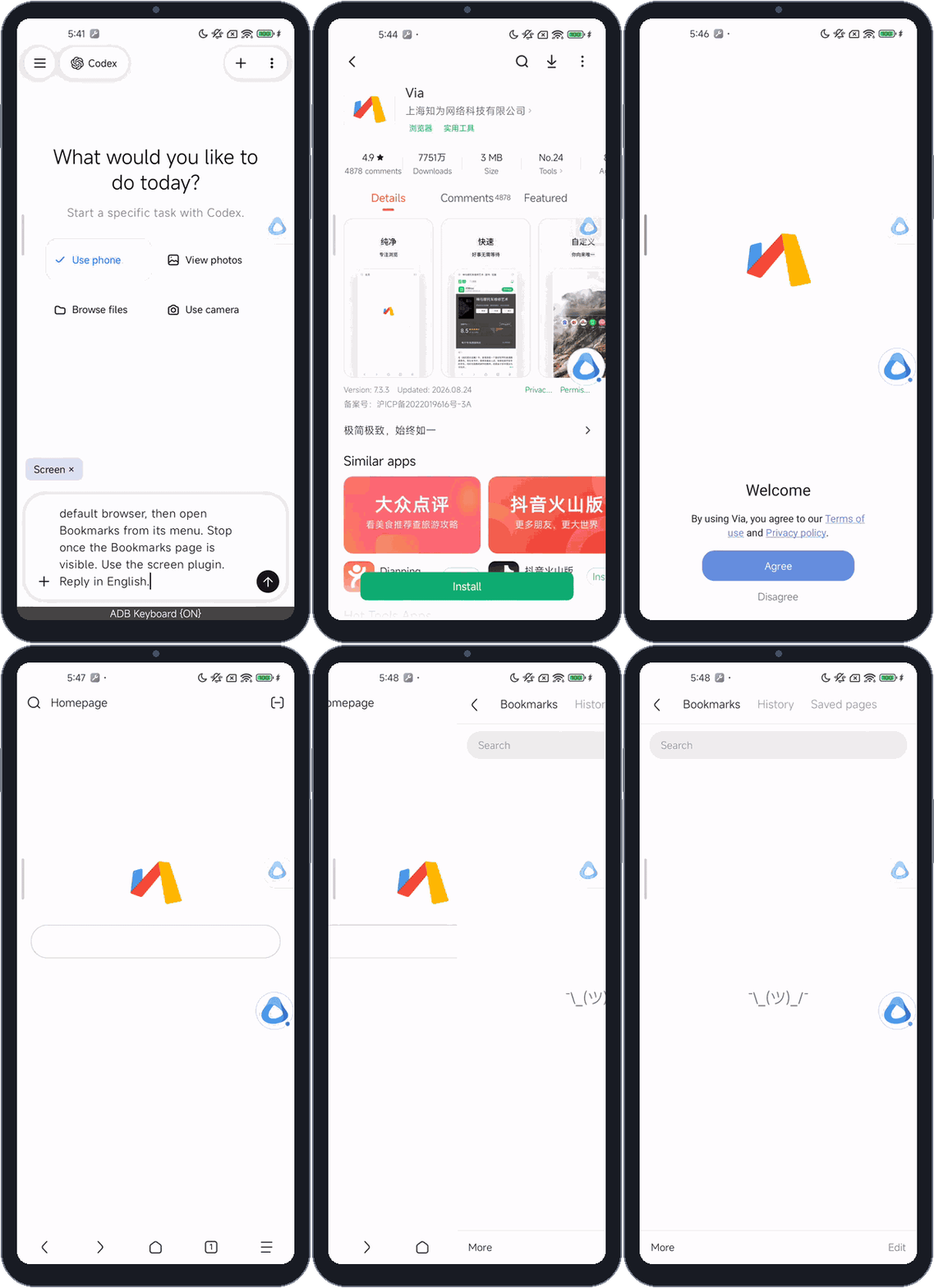
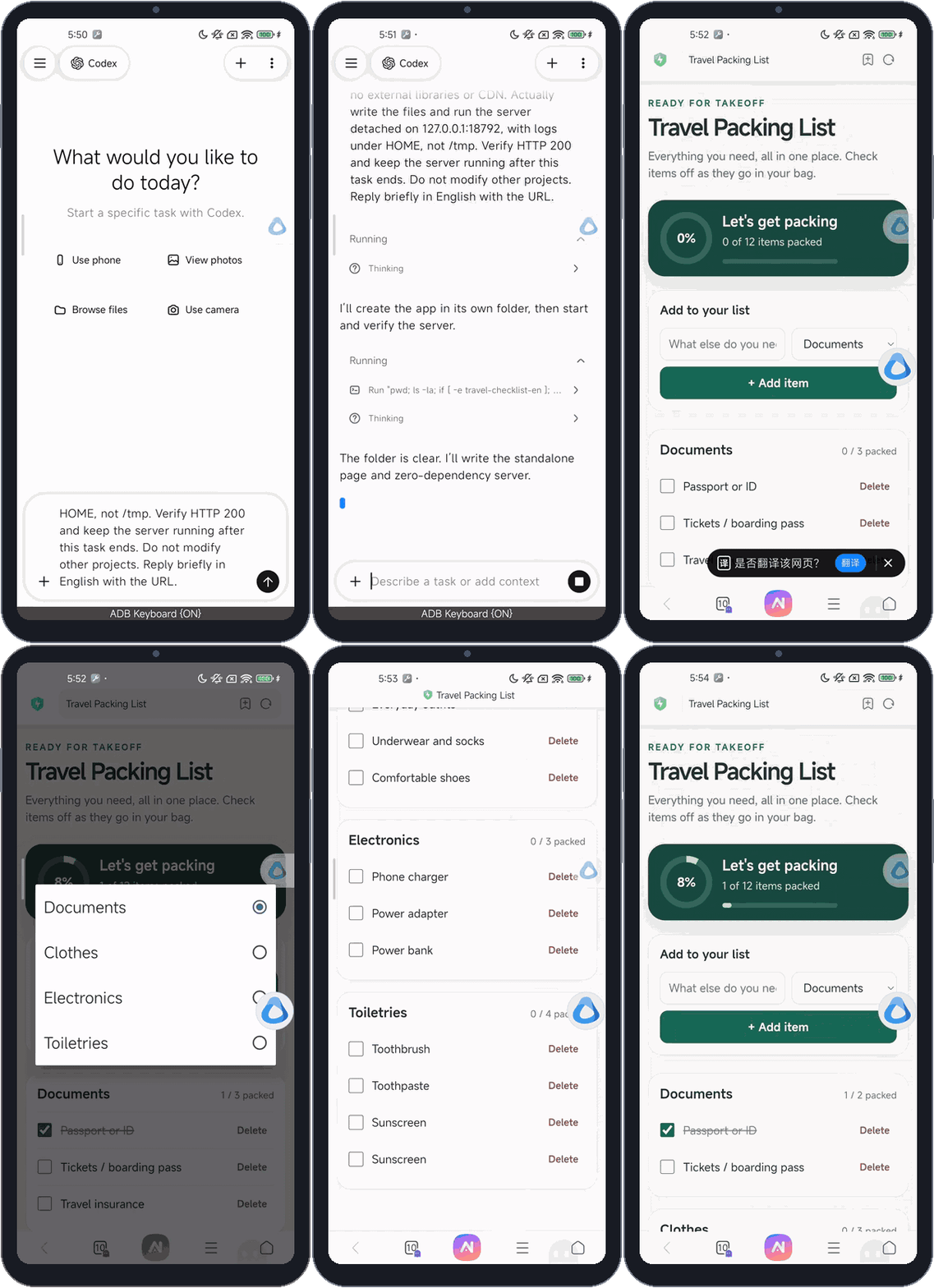
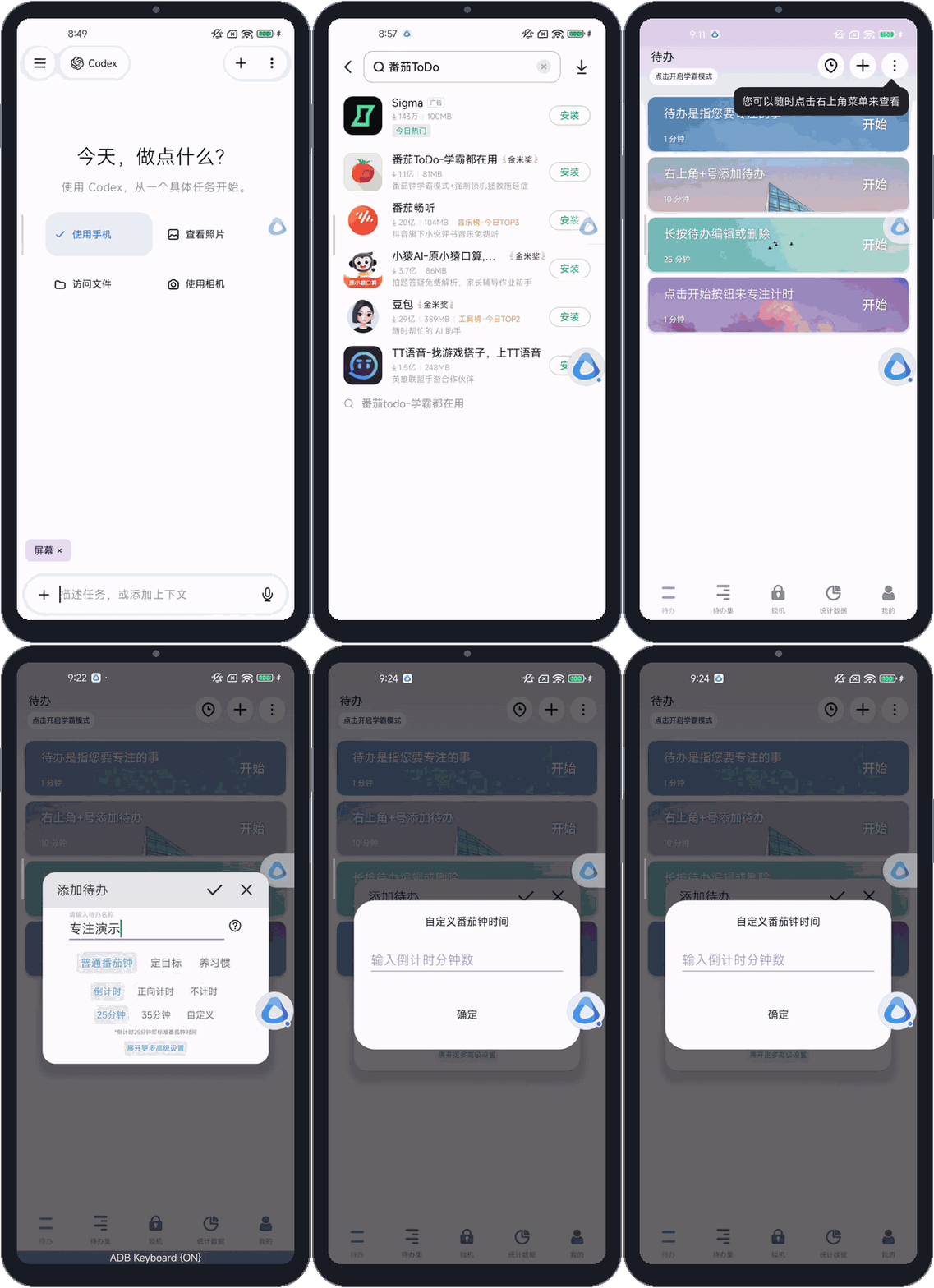
Agent 读屏幕、点按、输入、翻页,在一块独立的副屏上把多步任务做完。你留在 mobby 里看着它做;遇到密码、登录和验证码时,它会停下来请你接手,你交还后它接着往下做。
- 一次操作怎样完成
- 三种屏幕模式
- 副屏
- 需要你的时候
- 安全边界
- 开始使用
- 已知限制
阅读全文 →
ytlog · 文章
关于 Android 基础架构、AI 工程化,以及我做的开源项目:它们能做什么、怎么用、为什么这样设计。按项目分成系列。

让 Pi、Claude Code、Codex、OpenCode 直接在 Android 上运行
mobby · 操作手机
Agent 读屏幕、点按、输入、翻页,在一块独立的副屏上把多步任务做完。你留在 mobby 里看着它做;遇到密码、登录和验证码时,它会停下来请你接手,你交还后它接着往下做。
mobby · 写程序
手机里有 Git、Node.js 和四个编程 Agent,可以直接写代码、跑起来、在浏览器里打开。想长期用的,还能写成 mobby 程序装进 App:按时运行、发通知、读写自己的数据,权限由你逐项决定。
ytlog · Articles
On Android infrastructure, AI engineering, and the open-source projects I build: what they do, how to use them, and why they work the way they do. Grouped into a series per project.
Runs Pi, Claude Code, Codex and OpenCode directly on Android
mobby · Using your phone
The agent reads the screen, taps, types and moves between pages to finish multi-step tasks on a separate virtual display. You stay in mobby and watch. For passwords, sign-ins and verification codes it stops and hands control to you, then carries on once you hand it back.
mobby · Coding
Git, Node.js and four coding agents are on the phone, so it can write code, run it and open it in the browser. For things you'll keep using, it can write a mobby program you install in the app: it runs on schedule, sends notifications and keeps its own data, with each permission granted by you.